
🌍 Introduction
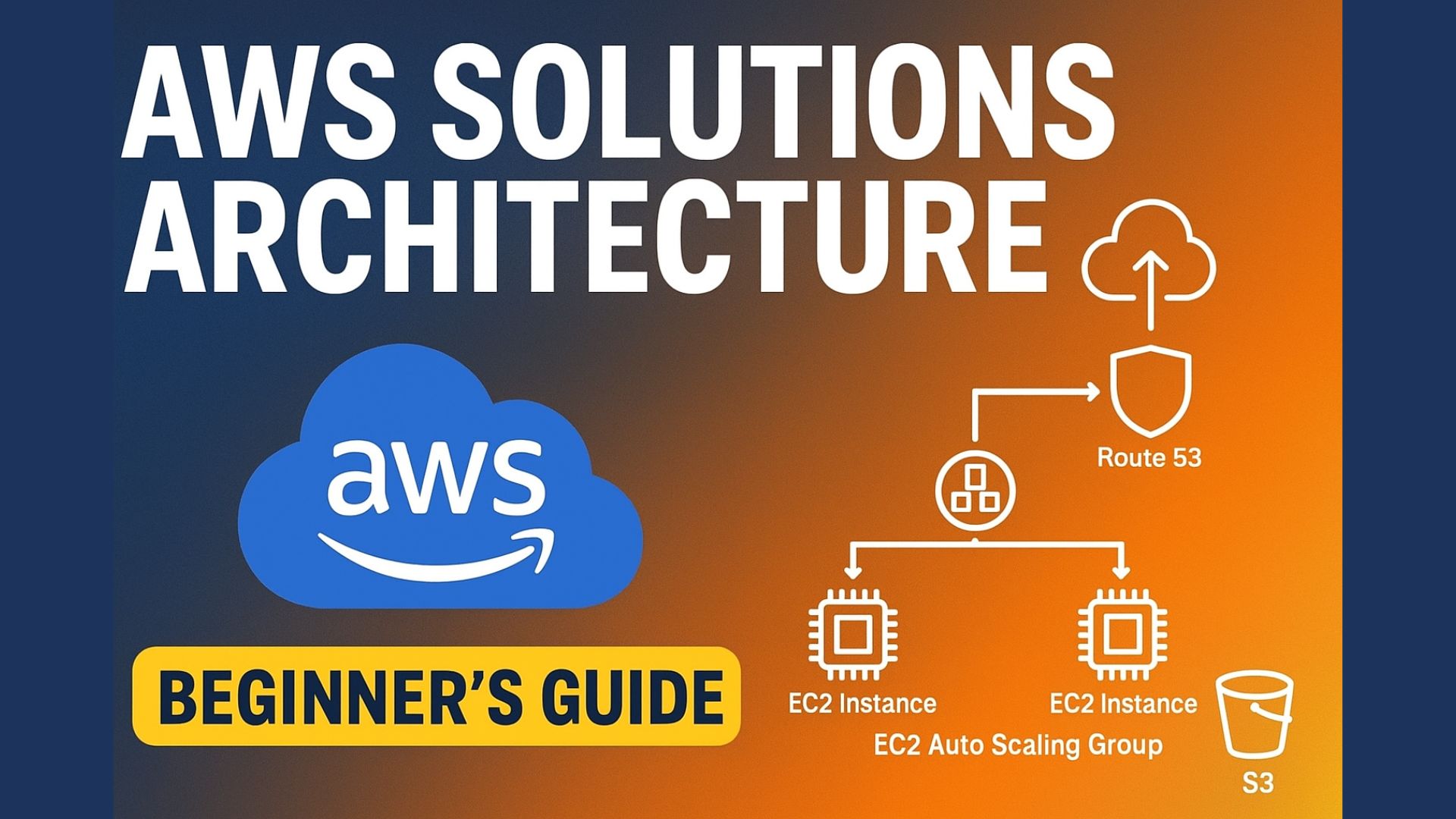
In today’s digital world, businesses need reliable, scalable, and cost-efficient infrastructure. Amazon Web Services (AWS) provides the building blocks to achieve this through AWS Solutions Architecture — a structured way to design applications that grow with your users while maintaining high availability and performance.
Whether you’re a developer, entrepreneur, or tech enthusiast, understanding AWS architecture is a crucial skill. In this post, we’ll explore how key AWS services come together to form a powerful, modern cloud infrastructure.
⚙️ What is AWS Solutions Architecture?
AWS Solutions Architecture involves designing and implementing applications that run efficiently on AWS. It’s not just about using cloud services — it’s about combining them strategically to meet business goals, handle traffic spikes, ensure uptime, and control costs.
At its core, an AWS architecture design typically includes these components:
-
Compute: EC2 or Elastic Beanstalk
-
Storage: S3
-
Database: RDS
-
Load Balancing: Elastic Load Balancer
-
Scaling: Auto Scaling Group
-
Networking: Route 53
-
Monitoring: CloudWatch
-
Automation & Deployment: CodePipeline
☁️ Example Architecture Overview
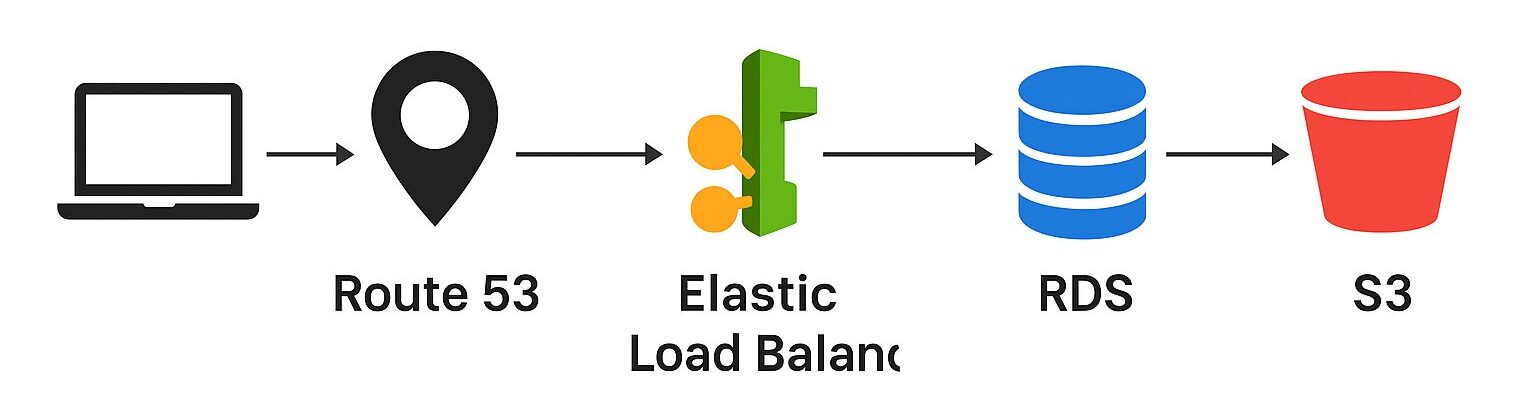
Let’s look at an example architecture you might design as a beginner AWS Solutions Architect.
Imagine you’re building a web application for global users. You want it to handle high traffic, serve static files quickly, and recover fast if something goes wrong.
Here’s how AWS helps:
1. Elastic Beanstalk – Simplified App Deployment
Elastic Beanstalk is a Platform-as-a-Service (PaaS) that simplifies deploying your web app. It automatically handles provisioning, load balancing, scaling, and monitoring. You only focus on your code — AWS takes care of the rest.
2. Elastic Load Balancer – Traffic Distribution
The load balancer routes incoming traffic across multiple EC2 instances, ensuring no single server gets overloaded. It improves availability and performance for all users.
3. Auto Scaling Group – Dynamic Scaling
When traffic increases, AWS automatically adds EC2 instances. When it drops, unnecessary instances are removed. This means you only pay for what you use — saving costs without sacrificing performance.
4. RDS (Relational Database Service) – Managed Database
Instead of managing databases manually, AWS RDS automates backups, scaling, and patching. With Multi-AZ deployment, your database automatically fails over to another instance in case of downtime.
5. S3 – Object Storage for Static Files
Store all your images, videos, and backups on Amazon S3. It’s durable, scalable, and integrates perfectly with other AWS services.
6. Route 53 – Domain Name System (DNS)
Route 53 connects your domain name to your AWS resources. It automatically updates routing when instances scale or change.
7. CloudWatch – Monitoring and Alerts
CloudWatch helps monitor CPU, memory, and network usage. You can set alarms to notify you before performance issues impact users.
8. CodePipeline – Continuous Deployment (CI/CD)
Deploying updates can cause downtime — but not with CodePipeline. It automates testing and deployment, even allowing blue-green deployments for zero downtime releases.
🔒 Security and High Availability
Security is a key principle in AWS architecture. Each service integrates with IAM (Identity and Access Management) to control permissions and ensure data protection.
For high availability, applications can be deployed across multiple Availability Zones, minimizing downtime risks.
💰 Cost Optimization
AWS pricing is pay-as-you-go. However, smart architecture design helps reduce unnecessary spending:
-
Use Auto Scaling to adjust resources automatically.
-
Store backups in S3 Glacier for lower cost.
-
Choose Reserved Instances for predictable workloads.
Fird more AWS lessons here:
YouTube Channel: https://www.youtube.com/@TechSimplifyNow
🚀 Final Thoughts
AWS Solutions Architecture is not just about cloud infrastructure — it’s about building systems that scale intelligently, recover instantly, and run efficiently.
By combining services like Elastic Beanstalk, RDS, S3, and CloudFront, you can architect world-class applications that meet real-world demands.
Whether you’re preparing for the AWS Certified Solutions Architect exam or just getting started, understanding these services is your foundation to mastering the AWS ecosystem.